

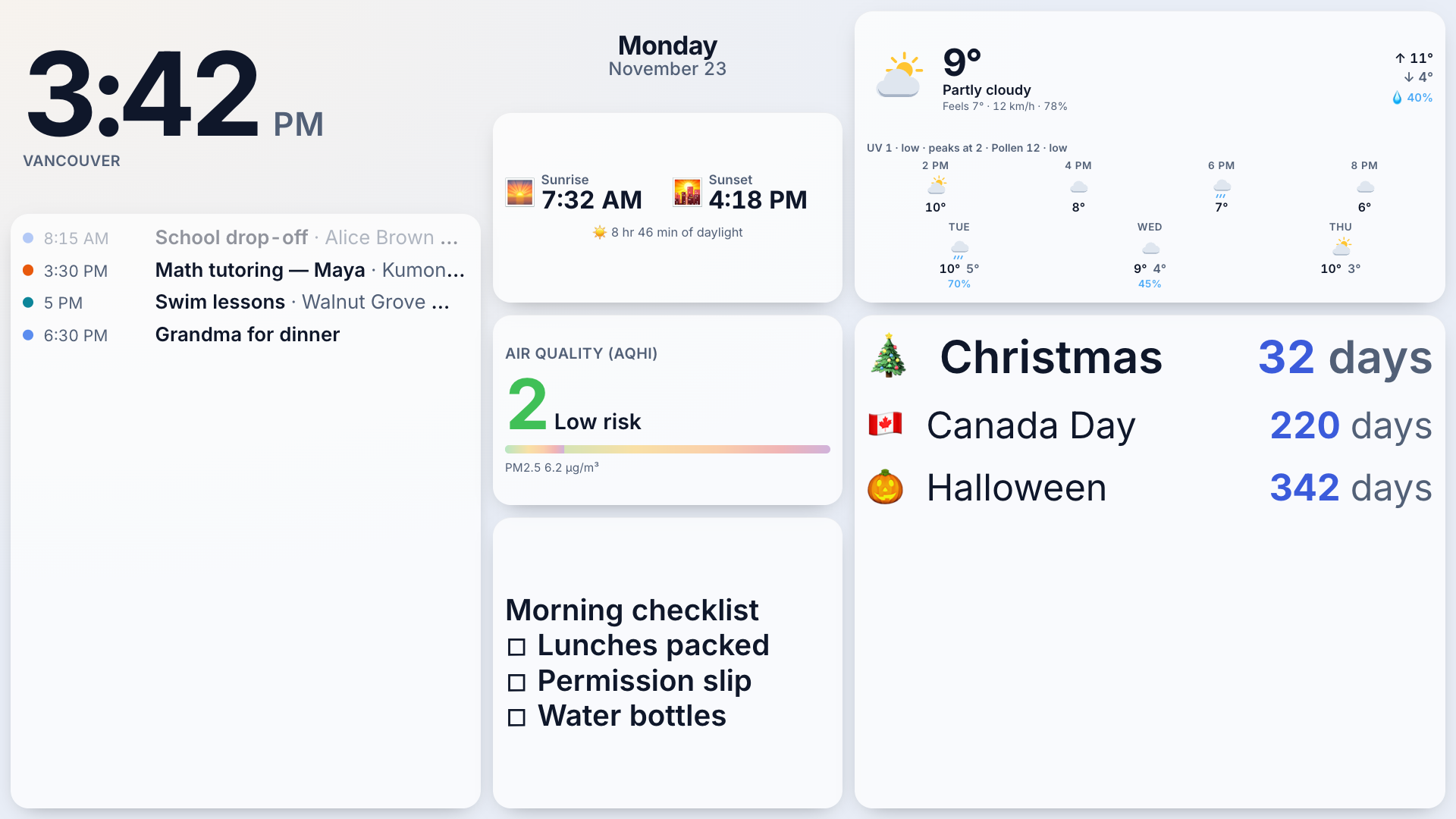
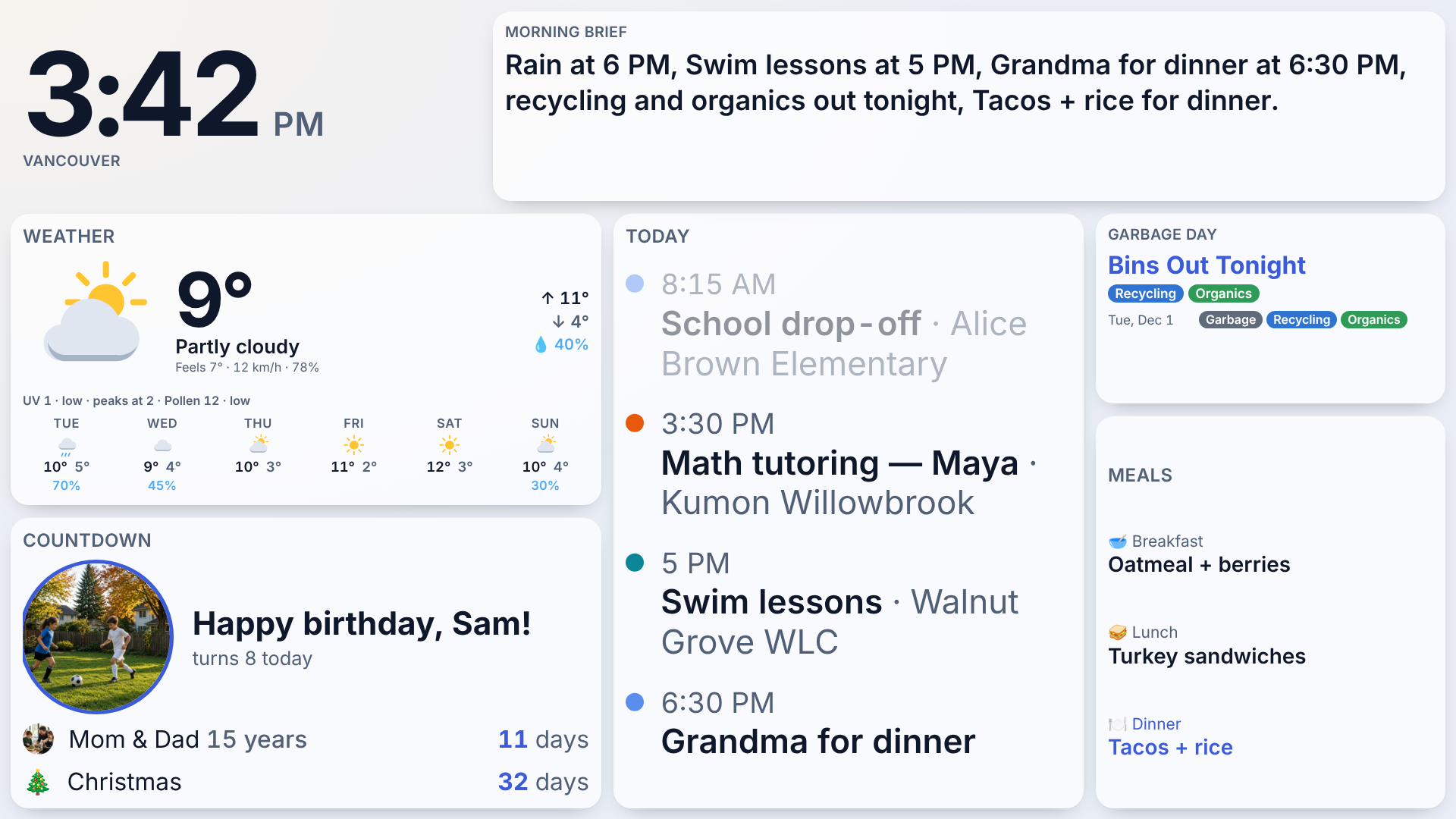
Every family has the same morning conversation. Is it going to rain? Who has what after school? Is it garbage day? What's for dinner? The answers are spread across a weather app, three calendars, the city's pickup schedule and a meal plan on the fridge. The Morning Brief on Everydaypane reads all of them and says the day in one line, right on the kitchen wall.
What It Reads
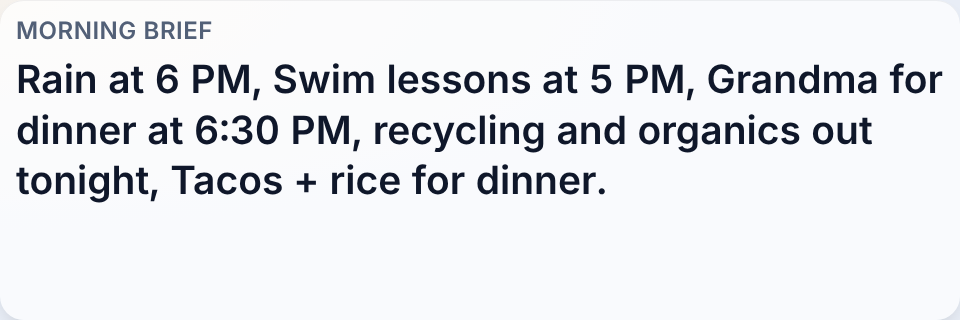
The brief uses what your wall already knows. No extra accounts, no new apps. Each part only speaks when it has something to say:
- Emergency alerts that would go on the red alert strip lead the brief.
- Rain or snow, with the hour it starts (or “until” when it's already coming down).
- Calendar events still ahead today, all-day ones first, plus birthdays and holidays from your countdowns.
- School closures from the district's status page.
- Bins: “out tonight” the evening before and “pickup today” in the morning.
- Ferry delays and cancellations on the routes you follow, and heavy traffic on your commute.
- Dinner from the meal plan.
Sentence or List
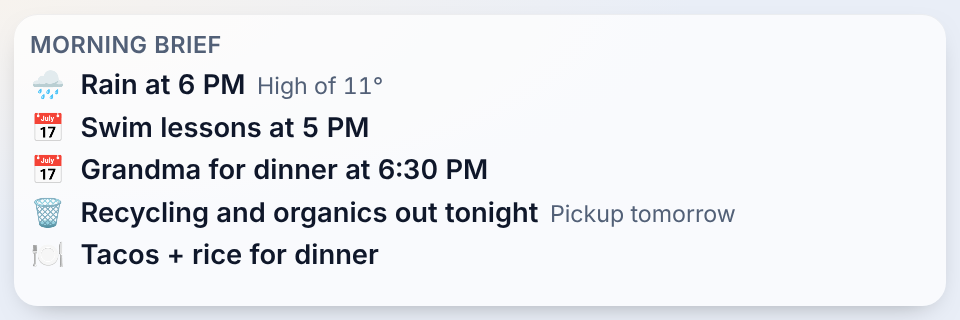
Pick a single sentence for a small tile or a list for a bigger one. The text shrinks to fit the tile, so it never cuts off.
From 7 PM, It Reads Tomorrow
In the evening, today is mostly done. From 7 PM the brief switches to tomorrow, so the wall tells you about the early swim practice and the recycling while there's still time to do something about it. You can turn this off if you'd rather it stay on today.
Set It Up
- Connect your calendars in Settings › Calendars, and set your garbage zone, commute and meal plan if you use them. The brief only mentions what's set up.
- In Views, tap Add Widget and choose Morning Brief. A wide, short tile across the top works well.
- Tap the tile to open its settings: pick the sources, sentence or list, and how many events to name.
- Tap Publish to Wall.
Good Places for It
- Across the top of a kitchen wall, above the calendar and the weather.
- On a small tablet by the front door, next to the commute and the bus.
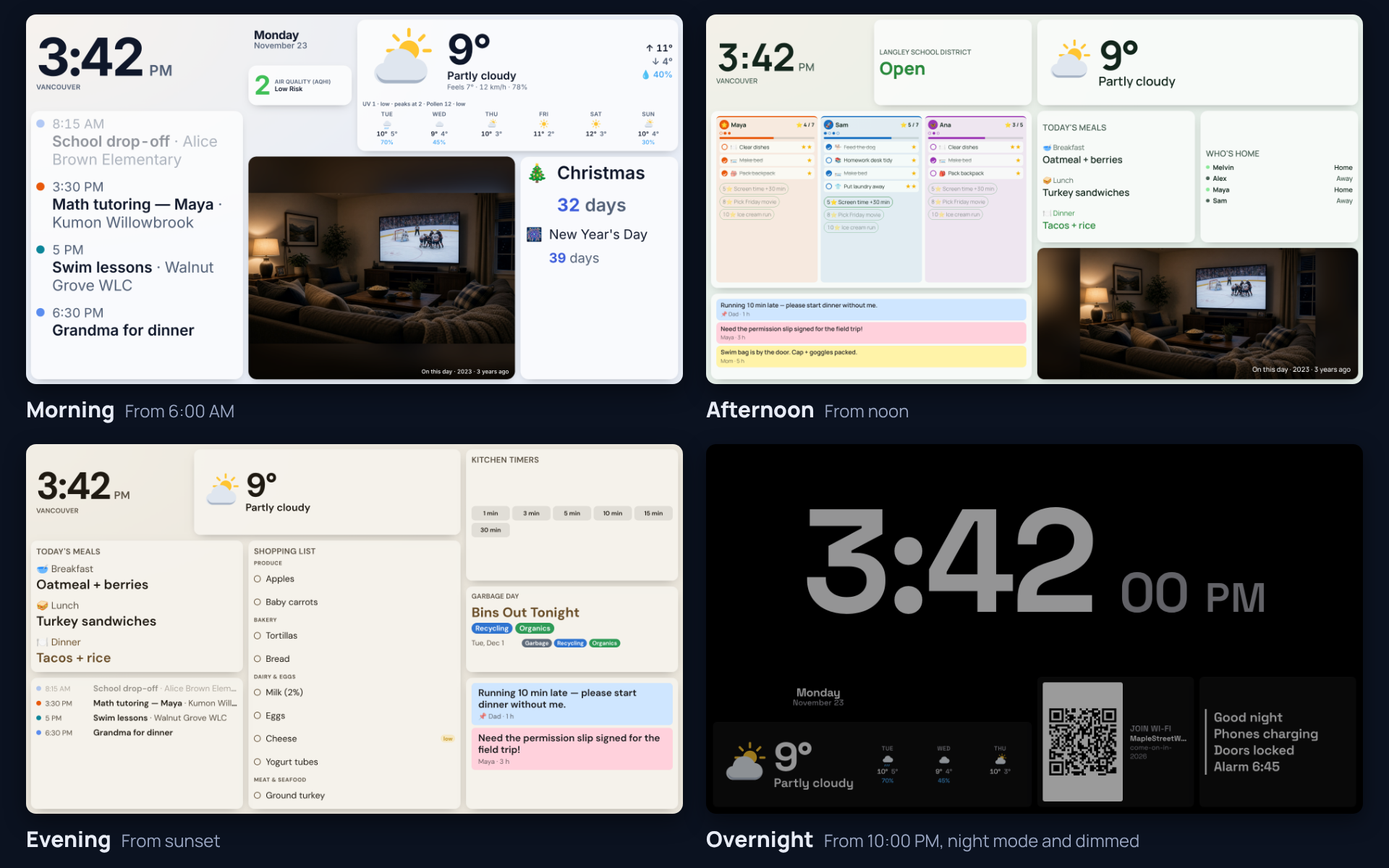
- In the evening view, as a heads-up for tomorrow.
Tip. The Morning Brief is part of Household, along with the meal plan, time-of-day views and local alerts it reads from.
Ready to try it? Start Free on Everydaypane.