

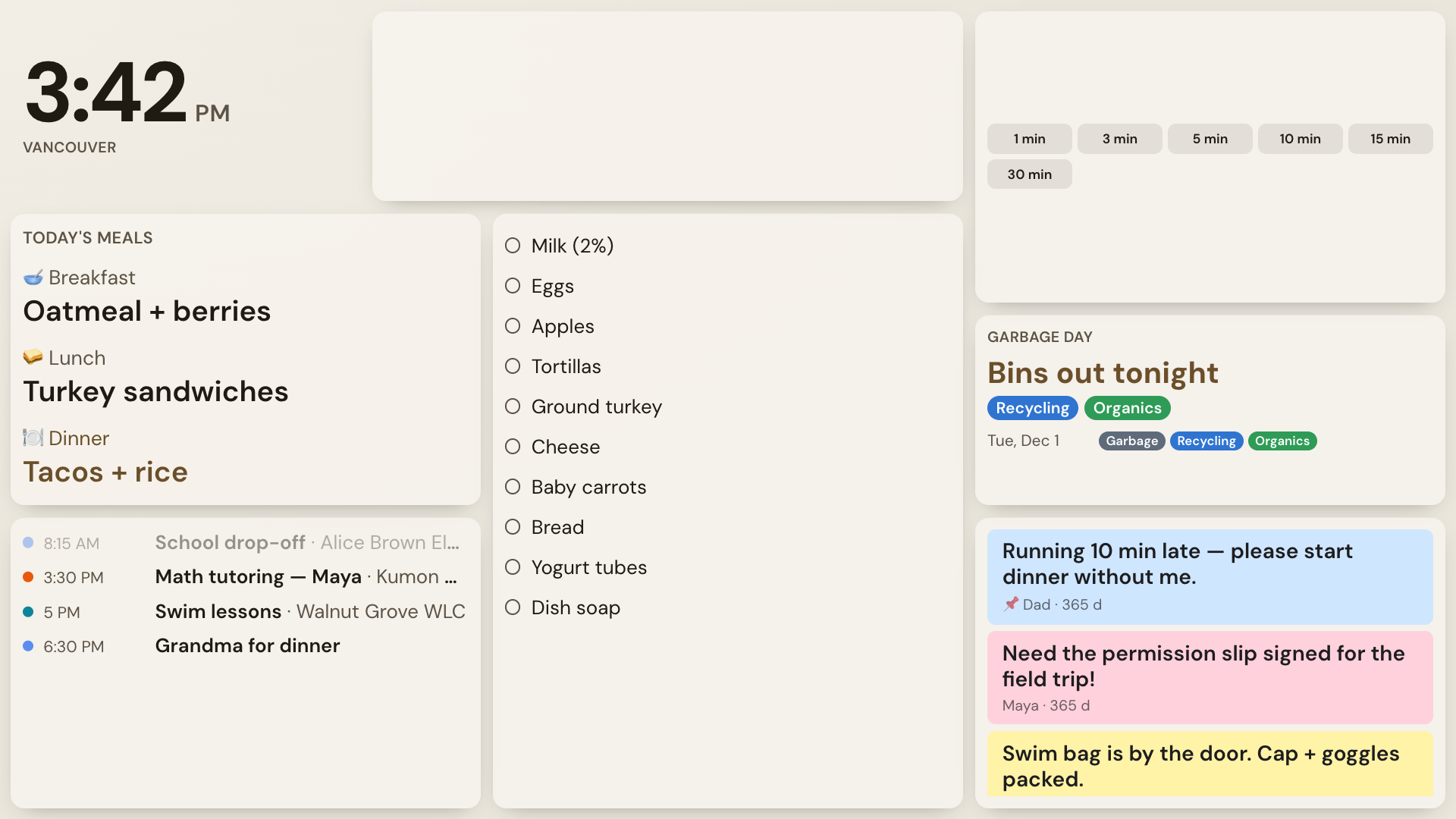
A meal plan only works if people see it. On an app, the person who planned it is the only one who looks. On the kitchen wall, everyone knows what's for dinner, the kids stop asking, and whoever gets home first can start it. Here's how meal planning and the shopping list work on Everydaypane.
Plan the Week From Any Phone
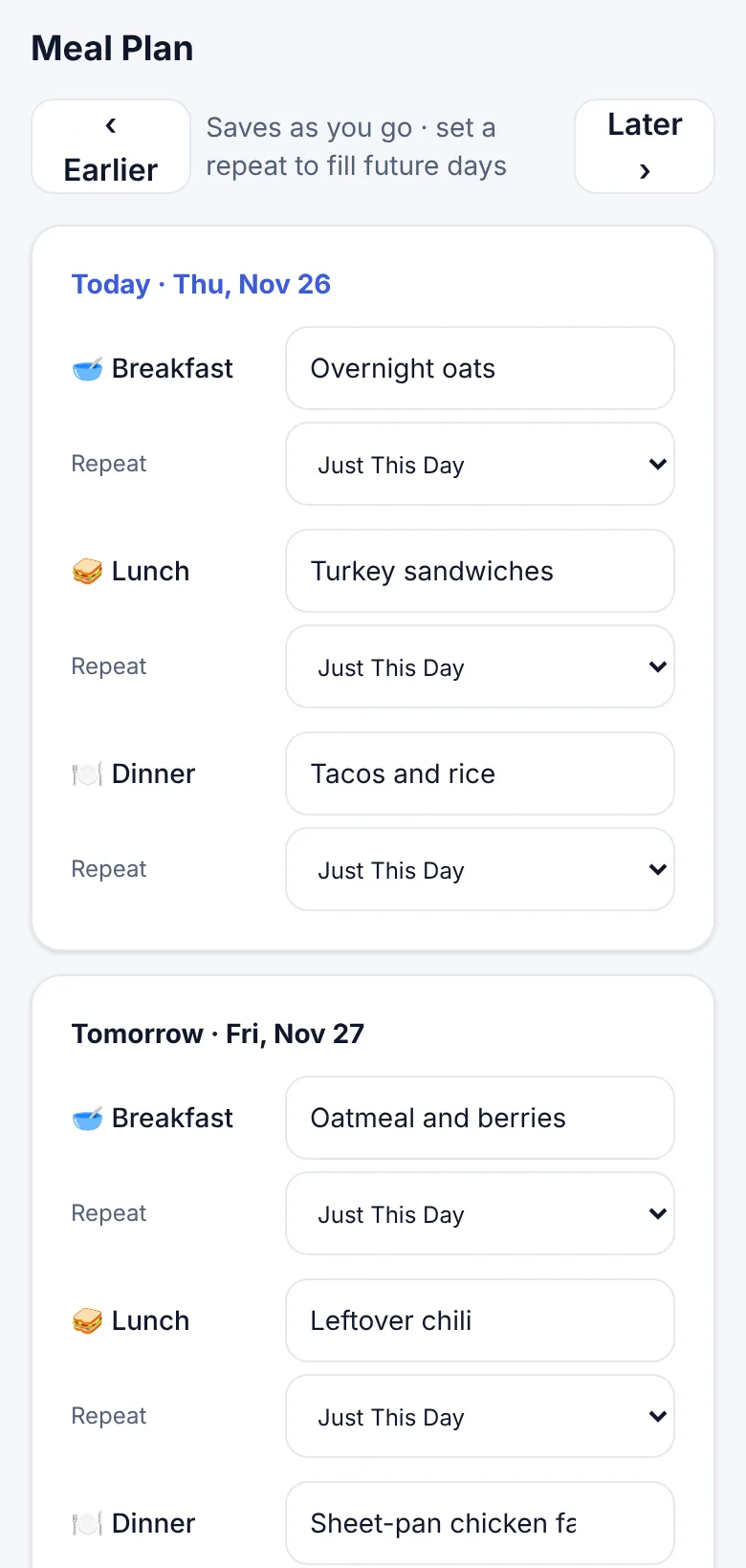
Breakfast, lunch and dinner for each day, typed on a phone. Each meal saves as soon as you leave the box, and recent meals come back as suggestions so you're not typing “spaghetti” every week.
Repeating Meals Fill Themselves In
Cereal every Monday, eggs every Tuesday, pizza every other Friday. Set a meal to repeat on chosen weekdays or every few days, and future weeks fill in by themselves. Skipping one day leaves the rest of the series alone.
On the Wall
The meals tile shows today (or the whole week) with the next meal highlighted. From 8 PM it shows tomorrow, so breakfast is on the wall before bed.
A Shopping List Grouped by Aisle
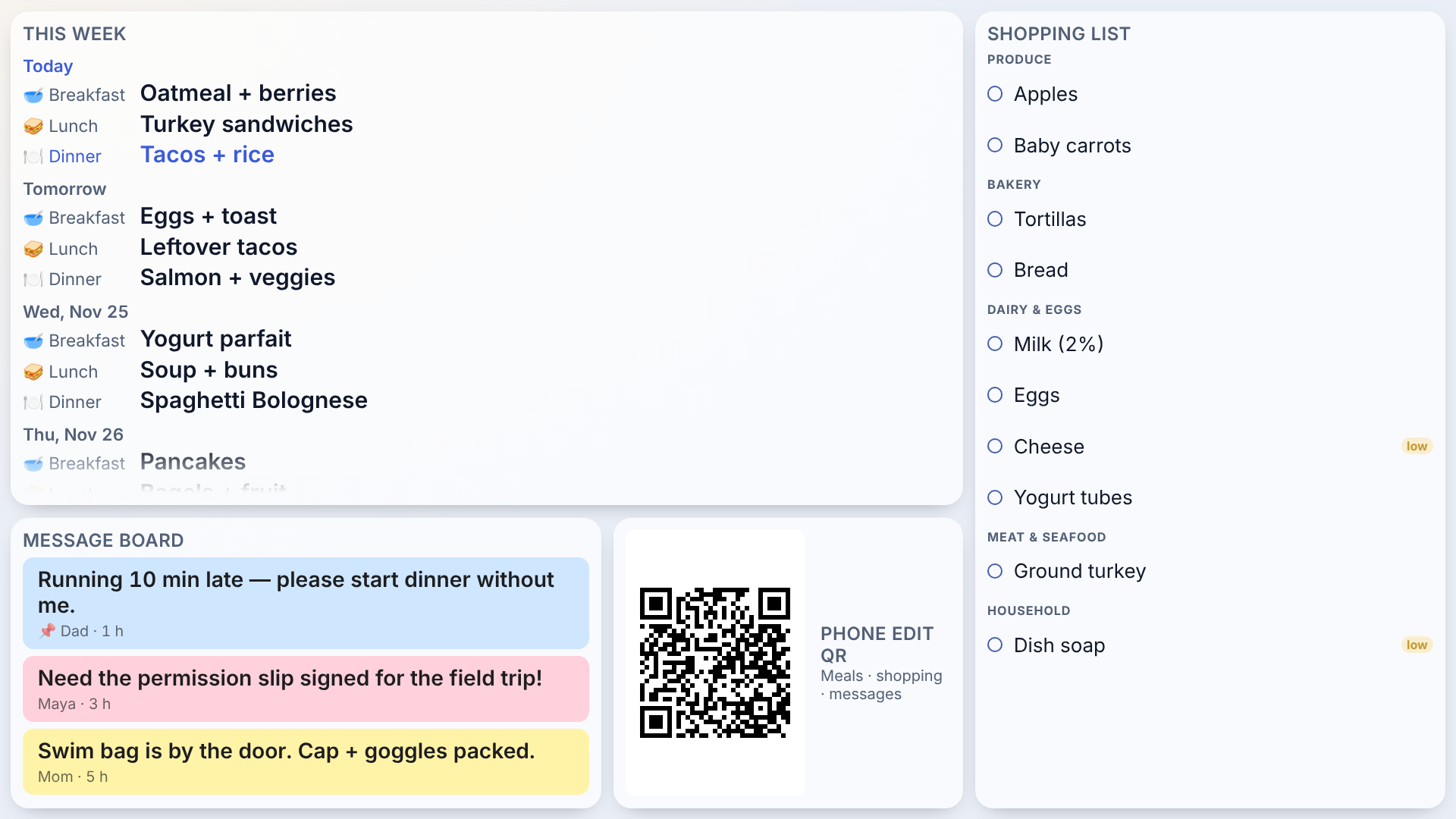
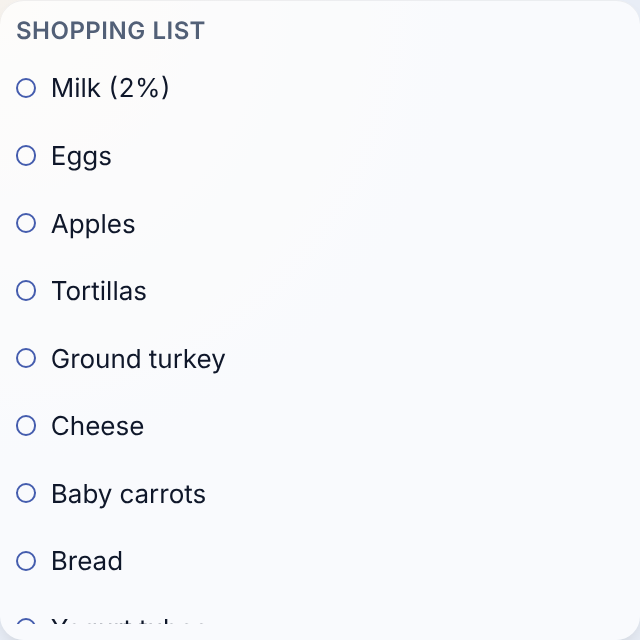
Anyone in the family adds groceries from their phone, and the wall shows them grouped like the store: produce, bakery, dairy and eggs, meat, frozen, pantry and household. You don't pick the aisle; it's guessed from the words. If it guesses wrong, move it once on your phone and it remembers.
- Running low. Mark an item Low when there's still some left. It gets a small amber tag, so “grab it if you're there” is different from “we're out”.
- Tick off on the wall. Turn on tap to tick off, and the list updates on everyone's phone in a second or two.
- Add from the wall. Optionally let people add items right on the screen, with a Low chip.
- Add from this week's meals. One button copies the week's planned meals onto the list.
No Sign-In Needed in the Kitchen
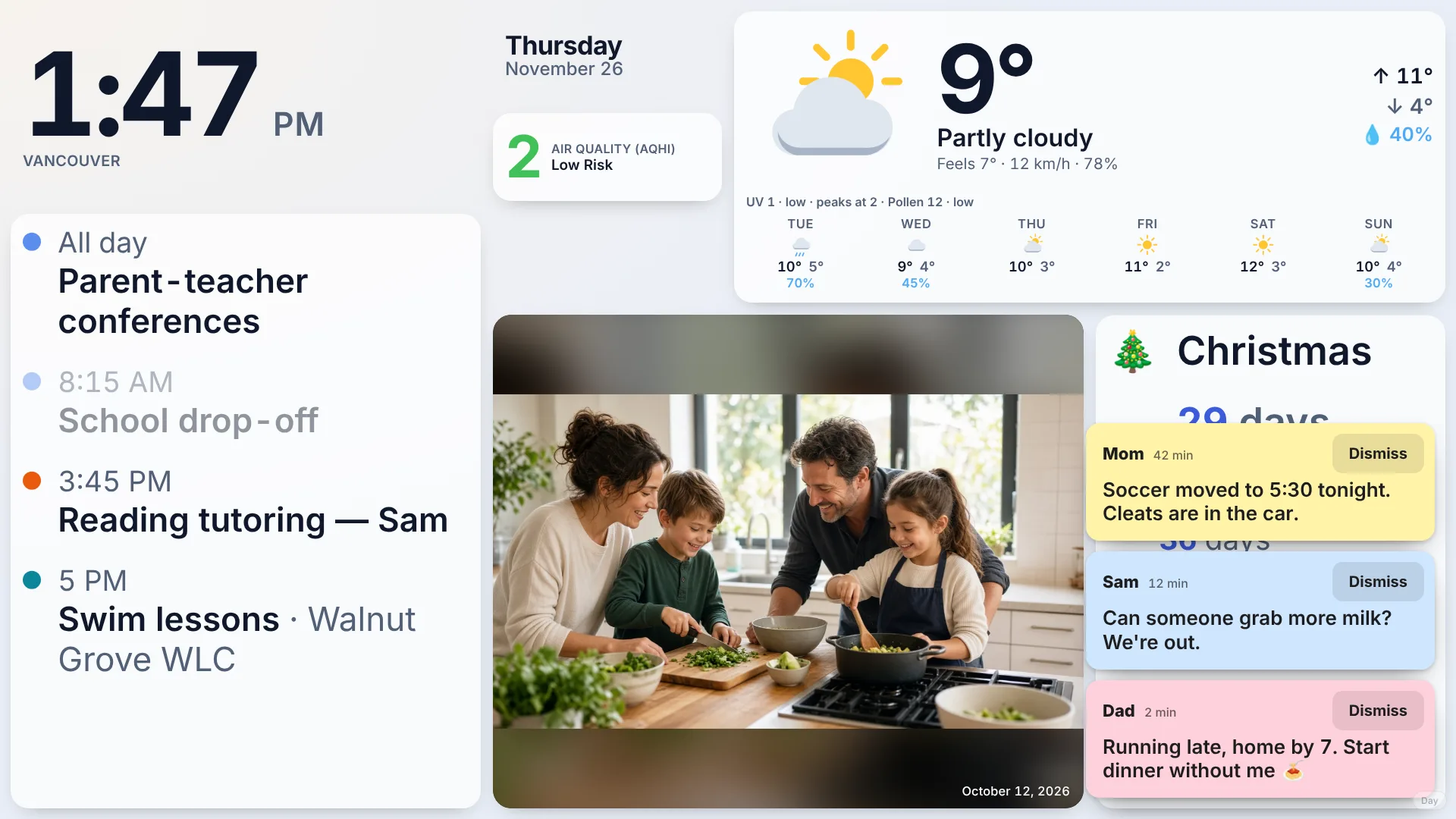
Add the Phone Edit QR tile to the wall. Anyone in the kitchen (a grandparent, the babysitter) can scan it and add to the meal plan, the shopping list or the message board from their own phone, without an account.
Set It Up
- Open Family › Meals on your phone and plan a few days. Set a repeat on anything that happens every week.
- Open Family › Shopping and add what you need.
- In Views, start from Kitchen Command, or add Meals and Shopping List tiles to your view. Turn on Group by Aisle and Tap to Tick Off.
- Add a Phone Edit QR tile so everyone in the kitchen can help.
Tip. Meals, the shopping list and the message board are part of Household.
Ready to try it? Start Free on Everydaypane.